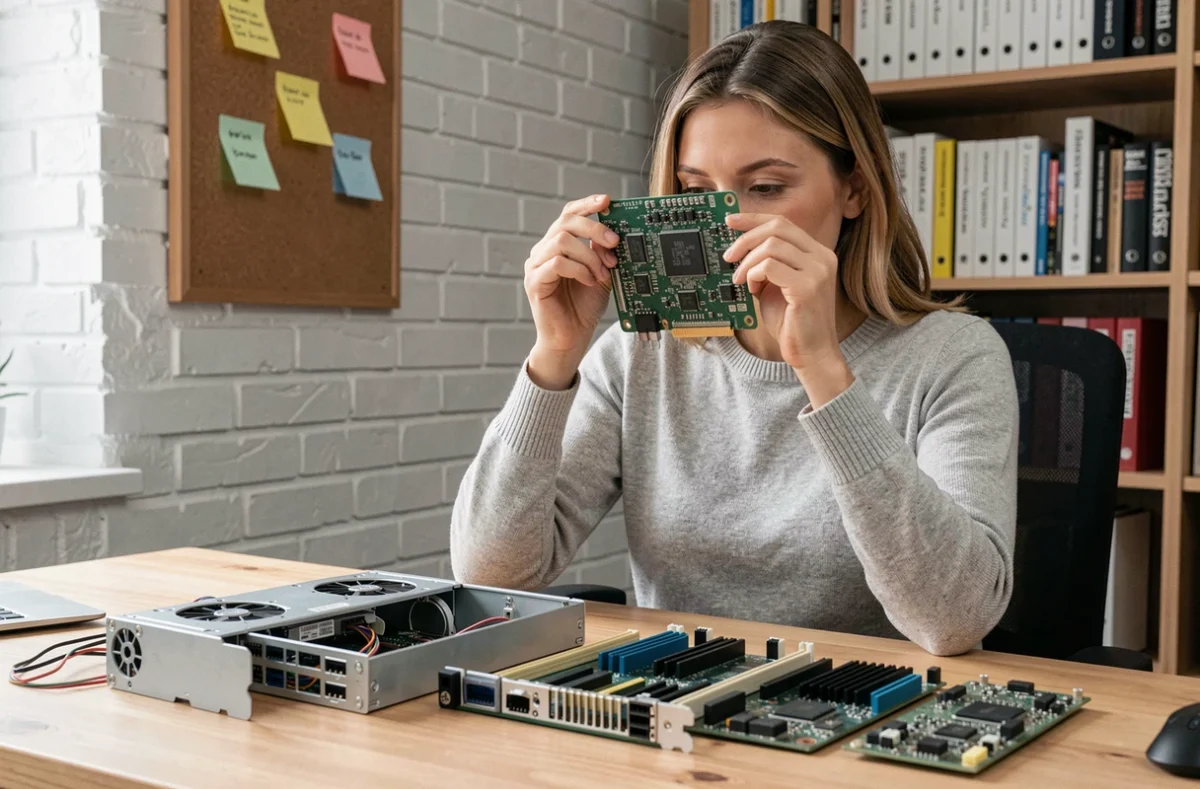
Every day, you use a computer, smartphone, or tablet to send a message, check the weather, or pay a bill. Behind these simple actions lies a set of mechanisms grouped under the term computing. Understanding these basics allows you to better master your tools, protect your data, and take advantage of recent developments like artificial intelligence.
How a computer processes information in three steps
You may have noticed that a computer responds almost instantly when you click on an icon? This result relies on a very short cycle: input, processing, output.
The input is any data you provide. A text typed on the keyboard, a photo taken with the camera, a file dragged from a USB drive. The processing is handled by the processor, an electronic chip that executes millions of calculations per second. The output is the result displayed on the screen, printed on paper, or sent over a network.
This input-processing-output cycle applies to all digital devices, from smartphones to enterprise servers. The resources compiled on the site www.code-web.org detail these principles for those who want to delve deeper into each step.
Two components play a central role in this cycle. Random Access Memory (RAM) temporarily stores the data currently in use, much like a work desk. The hard drive or SSD permanently holds files, like a filing cabinet that you put away after use.
Networks and the internet: what connects your devices to the rest of the world
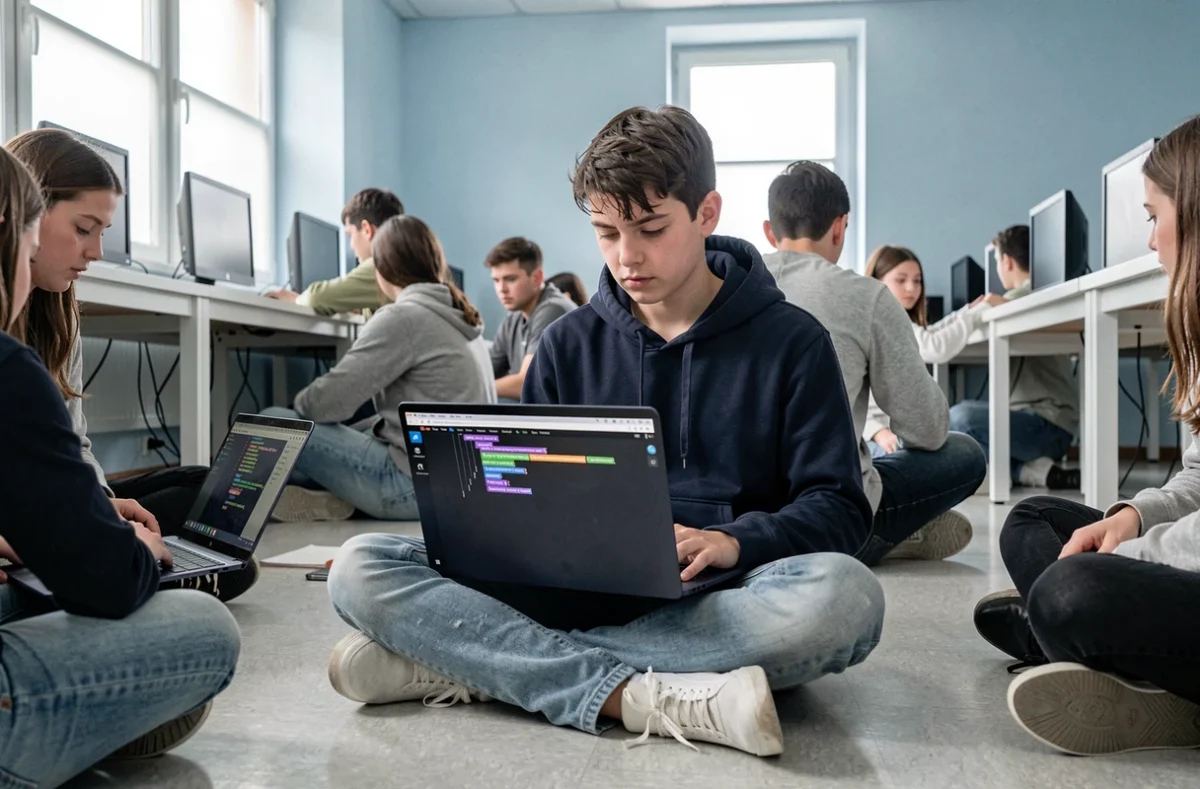
An isolated computer remains useful, but its power multiplies as soon as it connects to other machines. This is the principle of a computer network.
At home, your internet box creates a local network. It connects your computer, phone, and tablet to each other, and then connects them to the internet. The internet is a global network of networks, not a single software or service.
When you visit a website, your browser sends a request to a remote server. This server, a powerful computer that is always on, returns the requested page. The exchange lasts a few tenths of a second and passes through cables, antennas, and routers spread across several continents.
Personal data and security on networks
Every connection carries data. Some are innocuous, while others are sensitive: passwords, bank details, administrative documents. Protecting this data is a basic skill, not an option reserved for experts.
Three concrete reflexes reduce risks:
- Use a different password for each online service, relying on a password manager to avoid forgetting them.
- Enable two-factor authentication when offered, which adds a verification via SMS or app in addition to the password.
- Regularly update the operating system and applications, as patches close vulnerabilities exploited by attackers.
Artificial intelligence in everyday life: what it changes for users
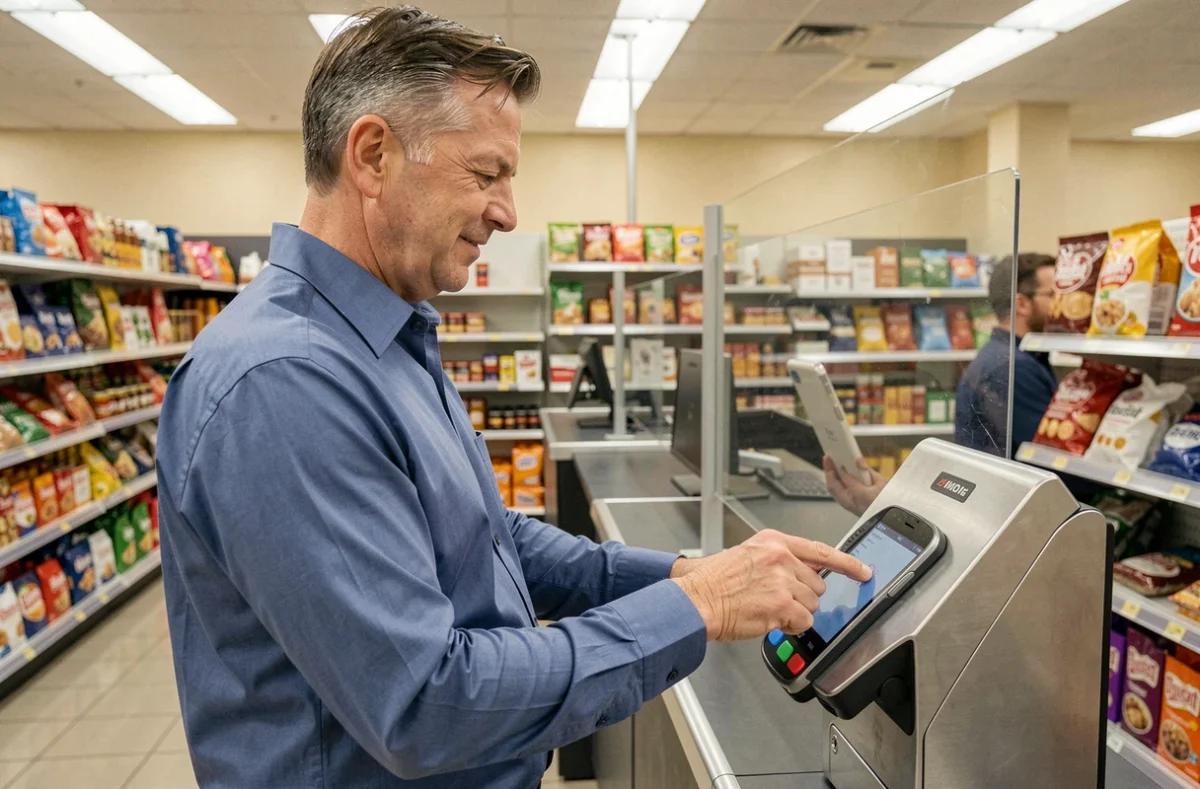
Artificial intelligence is no longer a topic reserved for laboratories. In France, the rate of AI usage is expected to rise from 20% in 2023 to 48% in 2025, according to a Senate report published on September 21, 2026. Voice assistants, text correctors, video recommendations: these tools rely on algorithms that analyze massive volumes of data to produce a tailored result.
You have probably already used a conversational assistant to draft an email or summarize an article. AI generates plausible responses, not necessarily accurate ones. Verifying information produced by a chatbot has become a skill in its own right.
Protecting your data against AI tools
Cybermalveillance.gouv.fr published specific recommendations for individuals and professionals in September 2026. Among the key points:
- Do not transmit sensitive documents (ID, bank statements, medical data) in a conversation with an AI.
- Check the retention settings of exchanges, as some services store conversations to train their models.
- Enable two-factor authentication on accounts linked to these tools, just like for a banking service.
These precautions extend the good practices of traditional IT security. AI does not change the principles of protection; it adds new contexts in which to apply them.
Smartphones and mobile usage: the primary screen for most users
The Digital Barometer 2025, conducted for Arcep, indicates that 96% of 12-17 year-olds own a smartphone. For many people, the phone has become the main entry point to the internet, social networks, and everyday applications.
A smartphone functions exactly like a miniature computer. It has a processor, RAM, storage space, and an operating system (Android or iOS). Understanding this relationship helps apply the same security reflexes and file management on both devices.
The main difference lies in the touchscreen and mobility. Mobile applications are designed for short sessions and quick interactions. This design encourages frequent use, sometimes difficult to regulate, especially among younger users.

The basics of computing go beyond knowing how to turn on a computer or open a browser. They include understanding the data processing cycle, mastering networks, protecting personal information, and now, having a critical eye on the responses provided by artificial intelligence. These skills complement each other and evolve with the tools, making continuous learning more useful than a one-time training frozen in time.